Notis: leave a note on a web page
Notis is an open source tool for commenting on prototypes: select words, pin images, and let an agent make the changes.
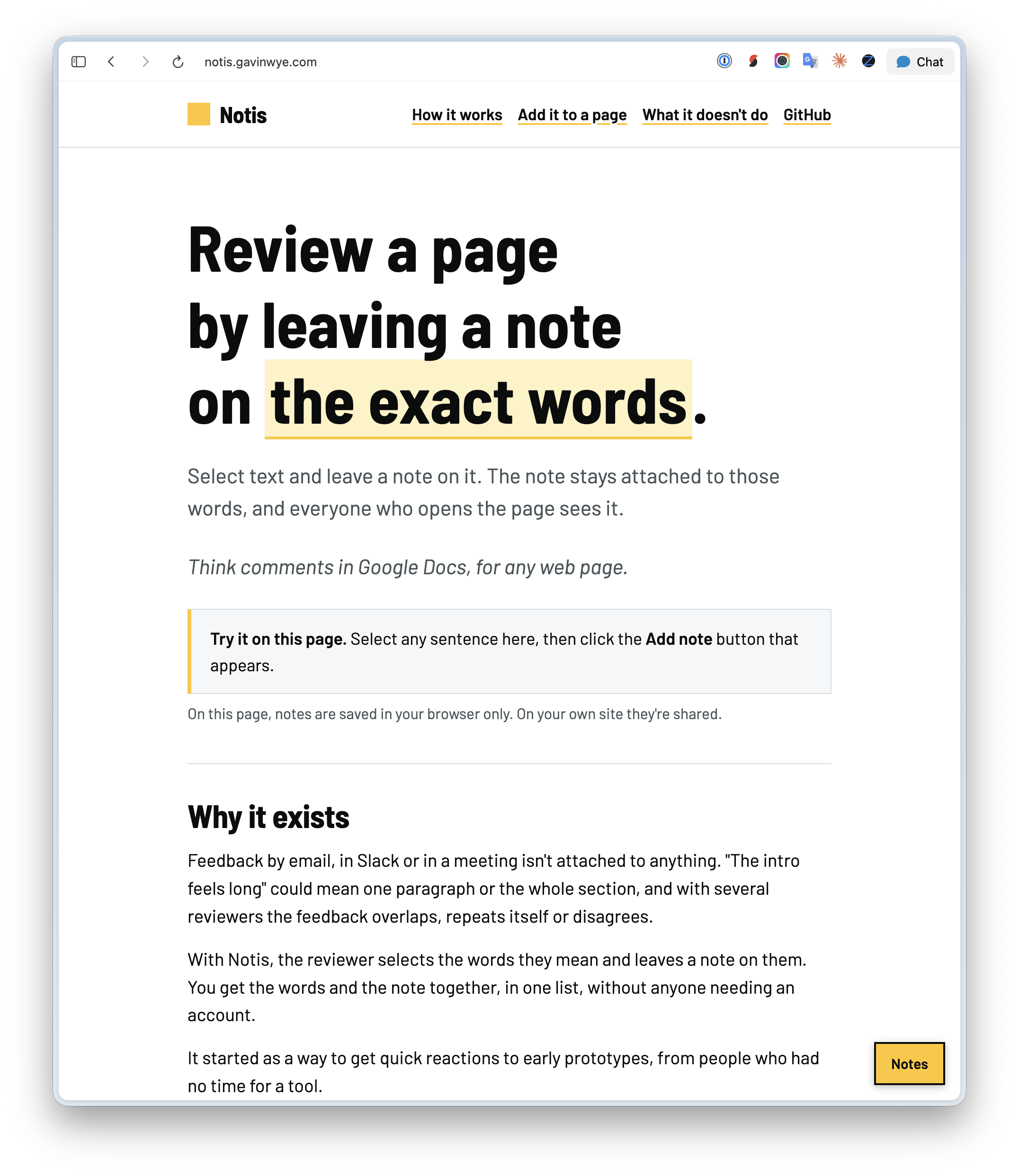
I build a lot of small prototypes and often need comments from the people looking at them.
That feedback usually arrives by email, in Slack or out loud. It isn’t attached to anything, so “the intro feels long” could mean the first paragraph or the whole section. When several people comment, their notes overlap, repeat or disagree, and I have to work out what they mean.
With Notis, comments sit on the words or image they’re about, in one list everyone can see. Select some words, leave a note, and resolve it when it’s dealt with.
Notis is Swedish for a short note. It’s open source and live at notis.gavinwye.com. The site also has a one-line prompt for asking an agent to add it to your site.
What it does
- Comment on selected text or pin a comment to a spot on an image.
- List comments in page order, with replies and resolve.
- Scroll to the relevant words when you click a comment.
- Remember each reviewer’s name. Nobody needs an account.
It’s one script on the page and one small function behind it. There’s no database to set up.
Where it started
I first used it on early service prototypes so stakeholders could mark the exact words they were reacting to. It has since gone onto many of the sites and prototypes I build.
I often connect it to an AI agent. When I ask Claude to “fix my comments”, it reads the open ones, changes the page and marks them resolved. I leave notes and come back to a page that has already changed.
What it doesn’t do
- There’s no sign-in. Put review copies behind a password or preview URL.
- It doesn’t notify anyone. You look at the panel.
- It’s for a handful of reviewers, not a busy public comment section.
- Pins work on image tags, not CSS backgrounds or inline SVG.
Try it
It’s MIT licensed, with setup instructions in the README.